Tracking locations
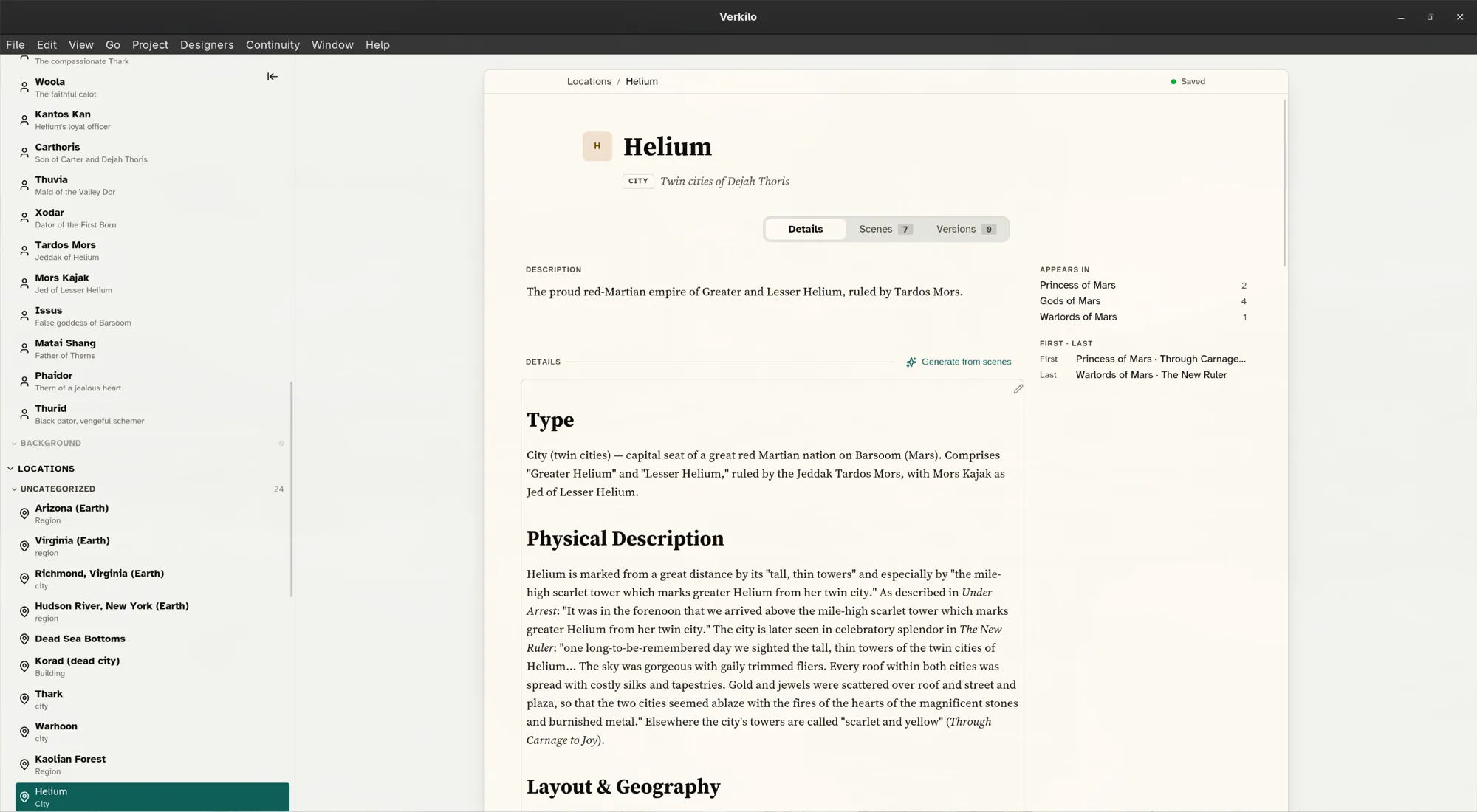
Locations give your world a consistent geography. Like characters, each location has a profile and a list of the scenes that use it.
Creating a location#
- Go to Locations (
⌘5/Ctrl+5). - Right-click in the location list and choose Add New Location.
- Type the real name over Location Name.
As with characters, you can also create one mid-scene without leaving the editor — see below.
Describing it#
- Tagline — a line that sums the place up, shown in the list.
- Type — city, building, ship, whatever division suits your world.
- Description — what this place is, in a sentence or two.
- Details — layout, atmosphere, history, what happens here. This is where the sensory specifics and the rules go — the things that must stay true the next time a scene is set there.
The Appears in list fills itself in from your scenes.
Linking a location to a scene#
- Open the section in the editor.
- In the details panel, go to Section Details.
- Click Add location… and start typing.
- Pick the location from the list.
Type a name that doesn’t exist yet and Verkilo creates the location for you, so a place invented mid-draft gets recorded without breaking your flow.
To remove one, click the ✕ on its chip. Right-click a chip for Quick View, which opens the full profile without leaving your scene.
The link runs both ways: the location lists its scenes, and each scene shows where it happens.
Keeping a world consistent#
Across a long series it’s easy to move a tavern or rename a street by accident. Before writing a scene in a place you haven’t visited for a book or two, open its profile and read the Details — it’s faster than searching the manuscript, and it’s why the field is worth filling in when the place is still fresh.