The corkboard
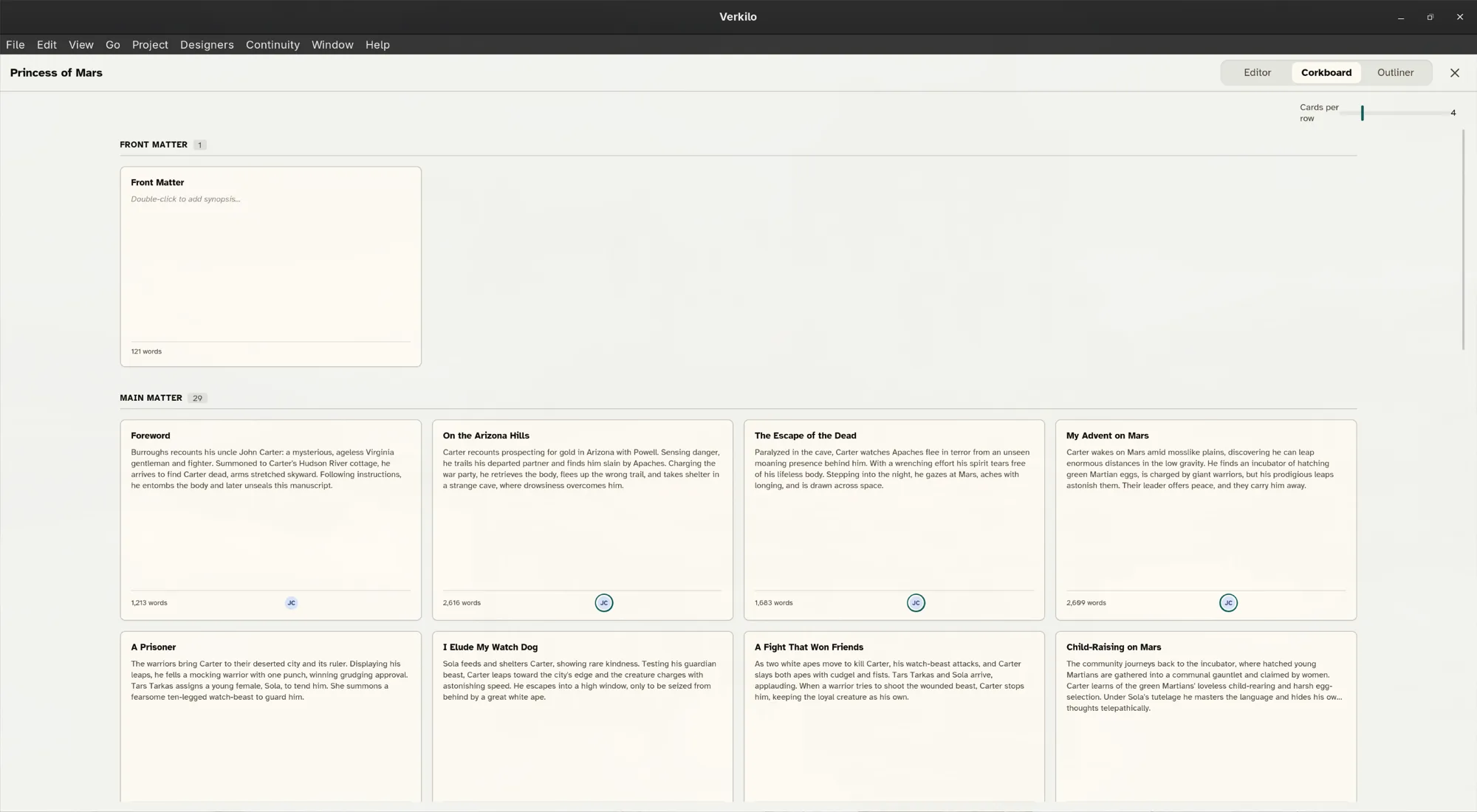
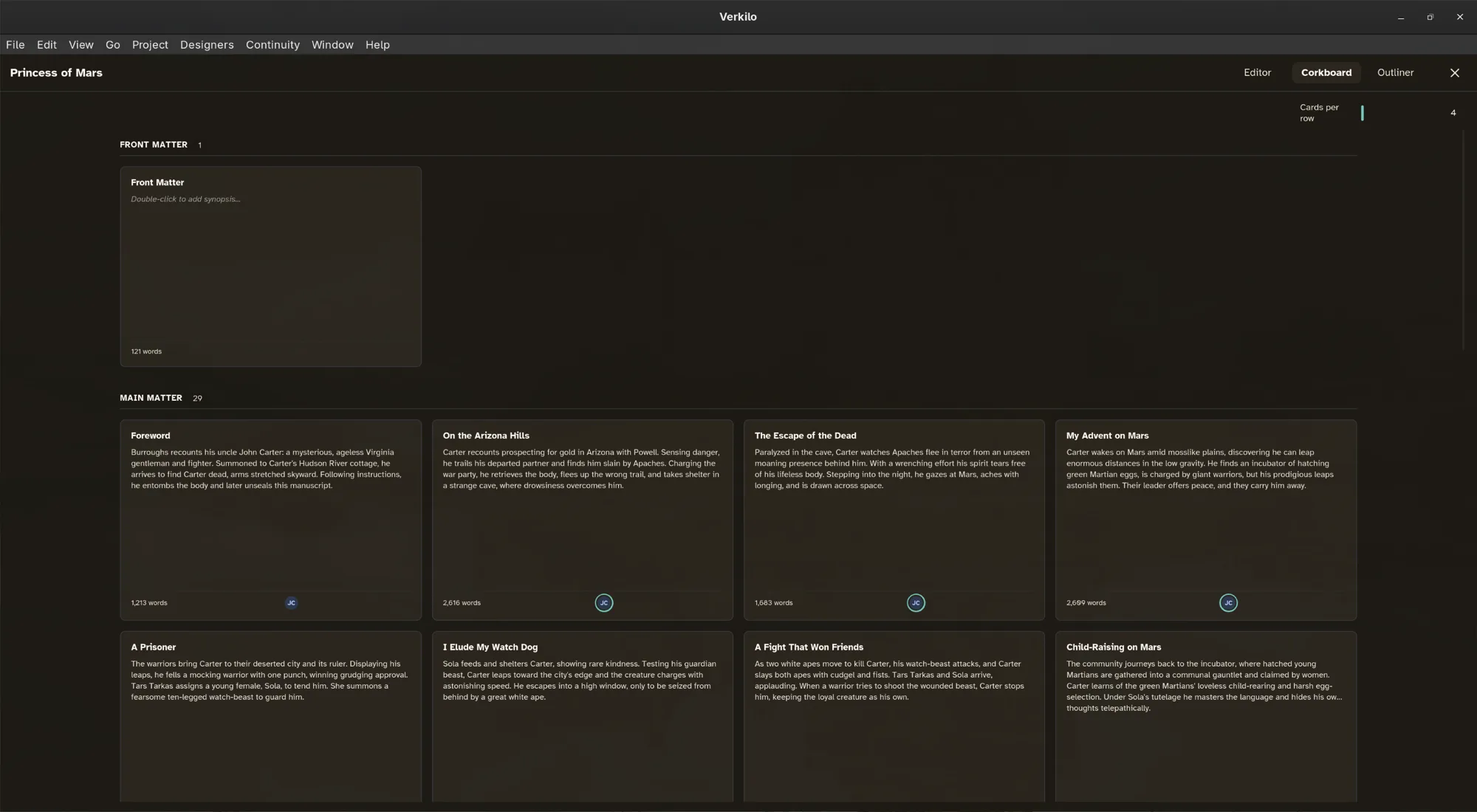
The corkboard shows each section as an index card, giving you a bird’s-eye view of a book’s structure.
Opening it#
- Open the book you want to look at in the editor.
- Click Corkboard in the bar above the page. Or press
⌘⇧K/Ctrl+Shift+K, or choose View → Toggle Corkboard View. - The board opens in place of the page. The bar stays above it.
- Click Editor in that bar, or press
Esc, to go back to writing.
The same bar switches between Editor, Corkboard, and Outliner, so you never lose your place.
Working with cards#
Each card is one section, showing its title, its synopsis, and the characters in it — with the point-of-view character marked.
- Reorder
- Drag a card to its new position.
- Select
- A single click.
- Open a scene
- Select its card and press
Enter, which takes you back to the editor there. - Order
- Cards follow the book’s chapters, in manuscript order. Front and back matter pages aren’t on the board — they’re on the book’s Front & back matter tab.
To fit more or fewer cards across the board, use the Cards per row control in the header. Fewer, larger cards suit reading synopses; more, smaller ones suit seeing an entire act at once.
Writing synopses#
A card is only as useful as its synopsis.
- Double-click the card. (From the keyboard: select it and press
F2.) - Type a line or two describing what the scene does — what changes by the end of it, not what happens in it.
- Click away to finish. There’s nothing to save.
With every card filled in, the corkboard becomes an outline you can take in at a glance — useful for spotting pacing gaps or a scene that isn’t pulling its weight.
Corkboard vs. outliner#
The corkboard is spatial and visual; the outliner is a structured list with more detail. Many writers plan on the corkboard and revise in the outliner.